As an Amazon Associate I earn from qualifying purchases.
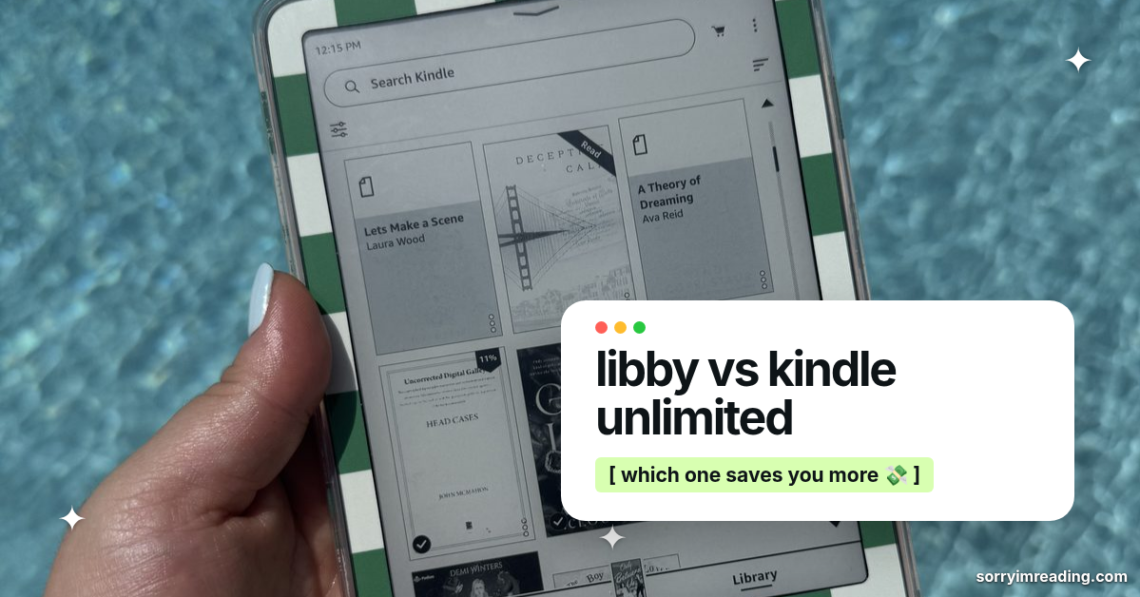
Your next book shouldn’t require a financial recovery plan. But the Libby vs Kindle Unlimited question gets messy fast when you want a new romance tonight and your library hold says “several weeks.”
Libby is free, Kindle Unlimited is fast, and neither one is perfect. The right pick depends on whether you hate wait times more than monthly charges.
This post may contain affiliate links. If you make a purchase through these links, I may earn a small commission at no extra cost to you.
Libby vs Kindle Unlimited: What You Actually Pay
Libby is usually free with an eligible public library card. That is the whole appeal. You can borrow ebooks, audiobooks, and magazines without adding another monthly charge to your bank statement.
There can be a catch. Some library systems charge non-resident fees, and not every card is available to every person. Start with your local library’s eligibility rules. A helpful Libby app overview also makes the main tradeoff clear: borrowing is free, but the book you want may not be ready when you are.
Kindle Unlimited costs $11.99 per month plus applicable taxes in the United States as of August 2026. Keep it all year, and that is $143.88 before tax. Amazon allows you to borrow up to 20 eligible titles at once, with no due dates while your membership is active, according to Amazon’s Kindle Unlimited help page.
Here is the quick budget math.
| Feature | Libby | Kindle Unlimited |
|---|---|---|
| Typical cost | Free with an eligible library card | $11.99 per month, plus tax |
| Selection | Your library’s digital collection | Kindle Unlimited’s enrolled catalog |
| Availability | May require a hold | Immediate if the title is included |
| Borrowing limits | Set by your library | Up to 20 eligible titles at once |
| Due dates | Yes, based on your library’s loan period | No, as long as membership is active |
The number alone does not settle it. If you read one KU book each month, you are paying nearly $12 for that one title. If you inhale six books in a week, the math looks a whole lot prettier.

Kindle Unlimited only saves money when you read books that are actually in Kindle Unlimited. A massive reading month does not help if every title you want costs extra.
The Catalog Is Where Feelings Get Involved
The Libby vs Kindle Unlimited decision gets less tidy once you stop looking at price and start looking at your actual TBR.
Libby is tied to your library’s collection. One library might have a long list of new-release romance, while another has a thinner digital shelf and brutal wait lists. Libraries also buy a limited number of digital licenses, so a buzzy release can have 40 people in line ahead of you. Nothing kills a reading mood faster.
That said, Libby is often your better shot at traditionally published bestsellers, big-name authors, and books that are selling everywhere. You may wait for them, but you can often get them without paying retail price.
Kindle Unlimited is a different beast. Amazon says the membership includes millions of titles, thousands of audiobooks, and magazines. You can read Amazon’s Kindle Unlimited catalog overview for the broad picture, but the real question is smaller: are your authors there?
For romance readers, KU can feel like an all-you-can-read bakery. Indie contemporary romance, small-town series, paranormal romance, dark romance, and spicy billionaire chaos are everywhere. If you love reading through an author’s entire backlist after one good book, KU can absolutely feed the habit.
Romantasy is more mixed. You will find addictive hidden gems and dramatic fantasy romance series, but you cannot assume every viral dragon-rider book or traditionally published release is included. Check before you build a reading plan around it.
The same goes for tropes. If you are hunting fake dating, forced proximity, hockey players, marriage of convenience, or enemies-to-lovers with enough tension to make you stare at a wall, search the KU badge before subscribing. Never assume a Kindle ebook is part of the membership.

Wait Lists Can Ruin a Perfect Reading Mood
Libby asks for patience. Sometimes it rewards you with a book the same day. Other times, it offers emotional devastation in the form of a six-week hold.
You can place holds, borrow when the title becomes available, and renew if nobody else is waiting. There are no late fees because digital loans expire on their own. Still, the timing can be annoying. Your mood wanted a sharp, messy romantic suspense book on Tuesday night. Your hold arrives three weeks later, when you have moved on to yearning fae princes.
Kindle Unlimited is instant. You find an included book, tap borrow, and start reading. No line. No borrowed title vanishing after 14 or 21 days. That freedom matters if you are a chaotic mood reader who cannot predict what will hit next.
The downside is obvious. Instant access does not mean instant connection. You can borrow a KU title in seconds, read 12 pages, realize the chemistry is giving cardboard, and return it. That is not failure. That is protecting your time.
Use Libby holds like a future gift to yourself. Use Kindle Unlimited for the nights when you need a book now and cannot handle another wait list. Plenty of readers build a both-and system, as this reader discussion about using Libby and KU shows.
Your Device Does Not Have to Decide for You
You do not need to own a Kindle to use Kindle Unlimited. The Kindle app works on phones and tablets, though an e-reader is easier on the eyes during a five-hour binge.
Libby also works on phones and tablets. In the United States, many eligible Libby ebooks can be sent to a Kindle, which is great news if you want library books on an e-ink screen. Check each title’s format before you get attached, because Kindle delivery is not available for every library ebook.
Audiobook readers should look at both services before choosing. Libby often has strong audiobook access through the library, but popular narrators and new releases can bring long holds. Kindle Unlimited includes select audiobooks, yet not every KU title includes narration.
The best device is the one you will grab instead of scrolling. If your phone turns every reading session into a social media detour, an e-reader may be worth it. If you already read happily in apps, do not let gadget pressure spend your money for you.
Choose the Service That Matches Your Reading Week
Start With Libby If You Want Free Books
Libby is the better first move if money is tight and you can tolerate some waiting. It also works well if you read a mix of Romance Books, thrillers, fantasy, and popular new releases that may not be enrolled in Kindle Unlimited.
It is a strong fit if you:
- Read one or two books a month and do not want another subscription.
- Are happy placing holds before you need a book.
- Like bestsellers and traditionally published releases.
- Have access to more than one library card through legitimate local eligibility.
Use your holds list well. Put books on hold before they become an emergency. Future-you will be grateful when three good options arrive at once.
Pay for Kindle Unlimited If You Binge Its Catalog
Kindle Unlimited makes sense if you read four or more included books each month. It is also a good fit if you regularly pick up indie romance series and devour them at an unwell pace. No judgment. That is a beautiful way to spend a weekend.
For most budget readers, Libby vs Kindle Unlimited is not an either-or choice forever. Keep Libby year-round, then subscribe to KU during months when you want to binge a specific enrolled author or series.
Do not let a free trial turn into a subscription you forget. Add a reminder before the offer ends. If the catalog is not hitting, cancel it. Your reading life should feel fun, not like another bill you resent.
The Best Budget Choice Is the One You Will Use
Libby wins on price. Kindle Unlimited wins on immediacy. The better service is the one that gets you into a book with actual chemistry, momentum, and a payoff worth staying up for.
Try Libby first if free is the priority. Add Kindle Unlimited when its catalog lines up with your current obsession. Your reading budget deserves books you are excited to open, not subscriptions you keep out of guilt.
grab the free skip to the good part checklist
100 reader-approved spicy scenes in one cute printable. check them off, star your rereads, send it to the group chat. plus my sunday email (one a week, unsubscribe anytime).
you're already on the list 💗 the checklist link is in your welcome email.
one email a week. no spam, no amazon links in your inbox. unsubscribe anytime.



3 Comments on “Libby vs Kindle Unlimited: Which Costs Less?”